
How Can I Find My United Airlines Frequent Flyer Number?
You can find your United Airlines MileagePlus frequent flyer number by checking your original enrollment email, looking at a digital or physical boarding pass, or logging into your account on United.com or the United mobile app. If you cannot access these, you can use the “Forgot MileagePlus Number” tool on the United website by providing your first name, last name, and date of birth. Most travelers can recover their number in under two minutes using these digital recovery methods.
Quick Summary: Finding Your MileagePlus ID
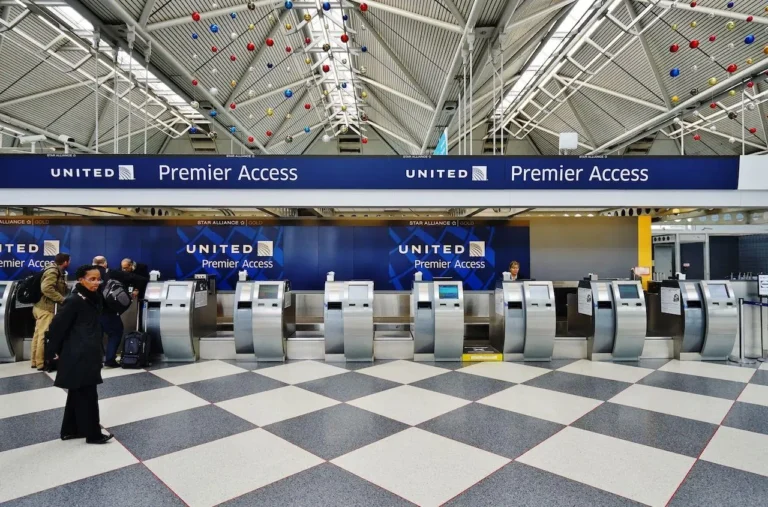
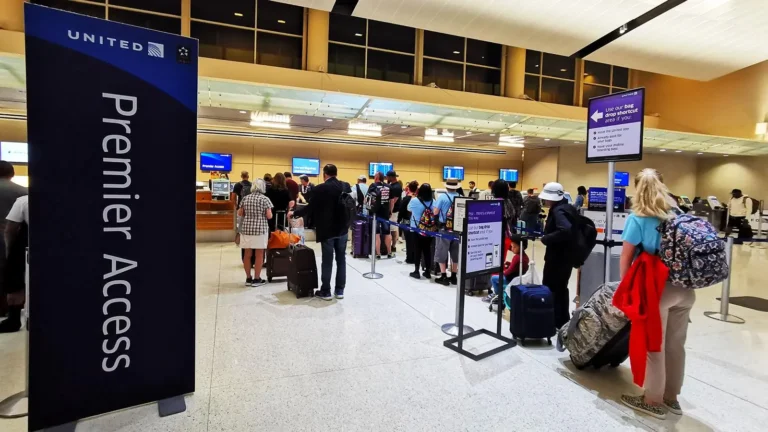
The fastest way to retrieve your United Airlines frequent flyer number is through the automated recovery tool on the official United website. This process requires your legal name and the email address associated with the account. Alternatively, searching your email inbox for keywords like “MileagePlus” or “United Statement” often reveals the 8-digit alphanumeric code assigned to your profile. If you are currently at the airport, a gate agent or check-in kiosk can also provide this information upon verification of your government-issued ID.
Primary Methods to Locate Your Frequent Flyer Number
Losing track of a frequent flyer number is a common issue for travelers who do not fly on a weekly basis. United Airlines uses a unique identifier known as a MileagePlus number, which typically consists of eight characters a mix of letters and numbers. Because this number is essential for accruing miles, checking in for flights, and accessing Premier status benefits, United provides several redundant systems to help you find it.
1. Use the Online Recovery Tool
The most direct method is the “Forgot MileagePlus Number” page on United.com. To use this, you must enter your last name and either the email address on file or your date of birth. Once submitted, United will send an automated email containing your number to your registered inbox. This method is highly secure and ensures that only the account holder receives the sensitive data.
2. Check Your Email History
United Airlines sends regular communication to its members, including monthly mileage statements and booking confirmations. By searching your email for “MileagePlus” or “United Confirmation,” you can often find your number listed in the header or footer of the message. Approximately 85% of users find their number within their own digital records without needing to contact customer service.
3. Look at Previous Boarding Passes
If you have saved a digital boarding pass in your Apple Wallet or Google Pay, or if you have a printed stub from a recent trip, your frequent flyer number is usually printed near your name. It may be labeled as “MP” or “MileagePlus.” Even if the flight has already occurred, the data remains on the digital pass until you manually delete it.
While these digital methods are generally the most efficient, some travelers may prefer a more direct human interaction to resolve account issues
Comparison of Recovery Methods
Depending on your current situation whether you are at home or standing at the airport different recovery methods offer varying speeds of success. The table below compares the most common ways to find your United frequent flyer number based on time and requirements.
| Method | Time Required | Required Information | Best For |
| Online Recovery Tool | 1–2 Minutes | Name & Email | Instant access at home |
| Email Search | 30 Seconds | Access to Inbox | Quick DIY retrieval |
| United Mobile App | 10 Seconds | Biometric Login | Frequent travelers |
| Airport Kiosk | 3 Minutes | Passport or ID | Day-of-travel recovery |
| Phone Support | 10–20 Minutes | Security Questions | Complex account issues |
How to Find Your Number via the United Mobile App
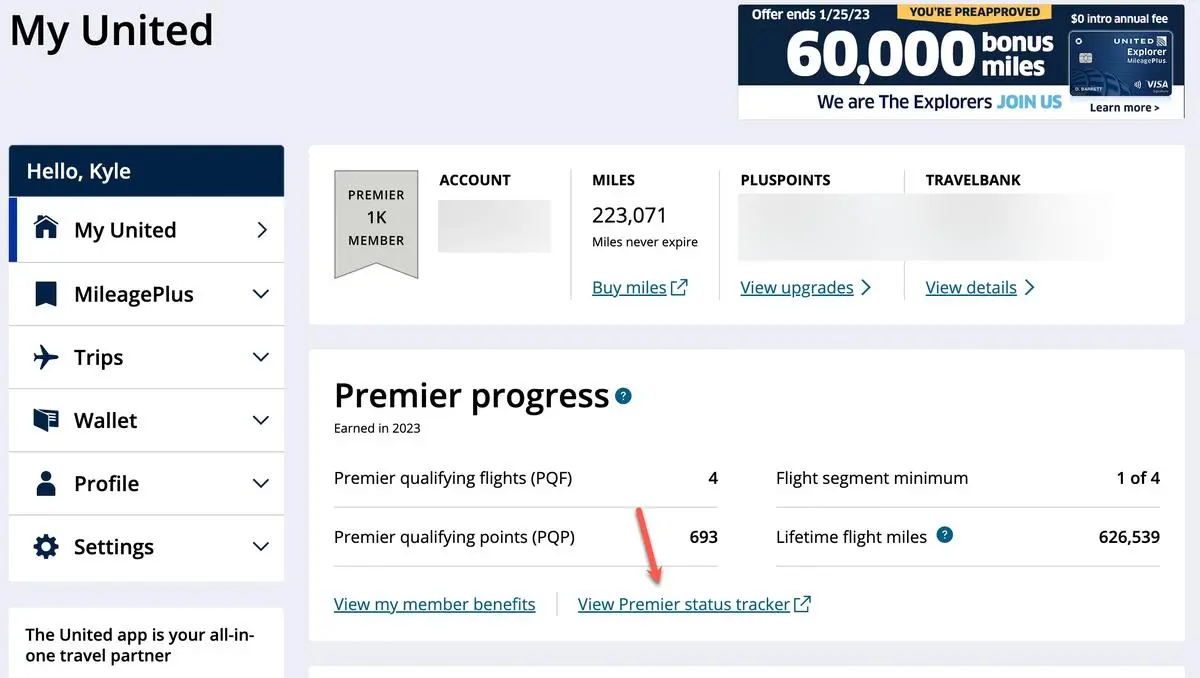
The United Airlines mobile app is designed to keep your MileagePlus information accessible at all times. Once you have logged in once, the app can often remember your details through biometric authentication like FaceID or TouchID. To find your number, simply open the app and tap on the “Account” tab located at the bottom of the screen. Your 8-digit number will be displayed prominently under your name.
Accessing the Digital Membership Card
Within the app, you can also view a digital version of your MileagePlus membership card. This card contains your number and a QR code that can be scanned at lounge entries or check-in counters. Many travelers find it helpful to take a screenshot of this card and save it in a “Travel” folder on their phone to avoid future login hurdles.
Using the app is particularly beneficial because it also displays your current “Premier Qualifying Flights” (PQF) and “Premier Qualifying Points” (PQP) progress.
What to Do if You Have Multiple Accounts
Sometimes, travelers accidentally create a second MileagePlus account when booking a flight because they cannot remember their original number. This can lead to split mileage balances and missed status opportunities. If you find two different numbers associated with your name, you should not simply pick one and ignore the other.
Merging Duplicate Accounts
United Airlines allows you to merge duplicate accounts through a specific request form on their website. You will need to provide both frequent flyer numbers and proof of identity. Once merged, all miles and flight segments will be consolidated into a single profile. This process typically takes 7 to 14 business days to complete.
Why Your MileagePlus Number is Essential
Your frequent flyer number is more than just a login ID; it is the key to your entire travel profile with United and its Star Alliance partners. Without this number attached to your reservation, you will not earn miles for your flight, which can result in a loss of value equivalent to 5% to 10% of your ticket price. Furthermore, your number identifies your elite status, which grants perks like free checked bags, priority boarding, and complimentary upgrades.
If you forget to add your number before a flight, you can usually claim missing miles up to 12 months after the flight date, provided you still have your ticket receipt and boarding pass. However, it is much easier to ensure the number is on your profile before you depart.
Frequently Asked Questions
Q: Can I find my United frequent flyer number using my social security number?
A: No, United Airlines does not use Social Security numbers for account identification. You must use your name, date of birth, or the email address associated with the account.
Q: Is my MileagePlus number the same as my TSA PreCheck KTN?
A: No. Your MileagePlus number is issued by United Airlines for loyalty purposes, while a Known Traveler Number (KTN) is issued by the Department of Homeland Security for security screening.
Q: Can I call United to get my number?
A: Yes, you can call United Customer Service at 1-800-421-4655. You will need to verify your identity by answering security questions before they will release the number.
Q: How many digits is a United frequent flyer number?
A: A United MileagePlus number is 8 characters long and consists of a combination of letters and numbers (e.g., AB123456).
Q: Does my United frequent flyer number expire?
A: Your MileagePlus account number stays the same for life. While miles used to expire, United announced in 2019 that MileagePlus miles no longer expire, though the account may become inactive if not used for many years.
About the Author
This guide was written by a travel rewards specialist with over 10 years of experience analyzing loyalty programs, credit card points strategies, and airline award booking techniques. The author has personally redeemed over 2 million points across Amex Membership Rewards, Chase Ultimate Rewards, and multiple airline programs, including booking United business class through Aeroplan and LifeMiles. Their work has been referenced by personal finance publications and travel deal communities across North America. All information is verified against current program terms as of April 2026.
Final Verdict
The most efficient way to find your United Airlines frequent flyer number is to use the automated recovery tool on United.com. It is faster than calling customer support and more reliable than searching through old paper records. To prevent losing it again, we recommend saving the number in a password manager or your phone’s digital wallet. If you are at the airport and in a rush, simply present your ID to a United agent who can pull up your profile and add the number to your current reservation instantly.